 Mini Screen
Your Mac,
on your iPhone and iPad
A Screen Sharing client made for the Mac. Turn on the Mac’s built-in Screen Sharing — nothing to install on the Mac, no account to create.
Coming soon to the App Store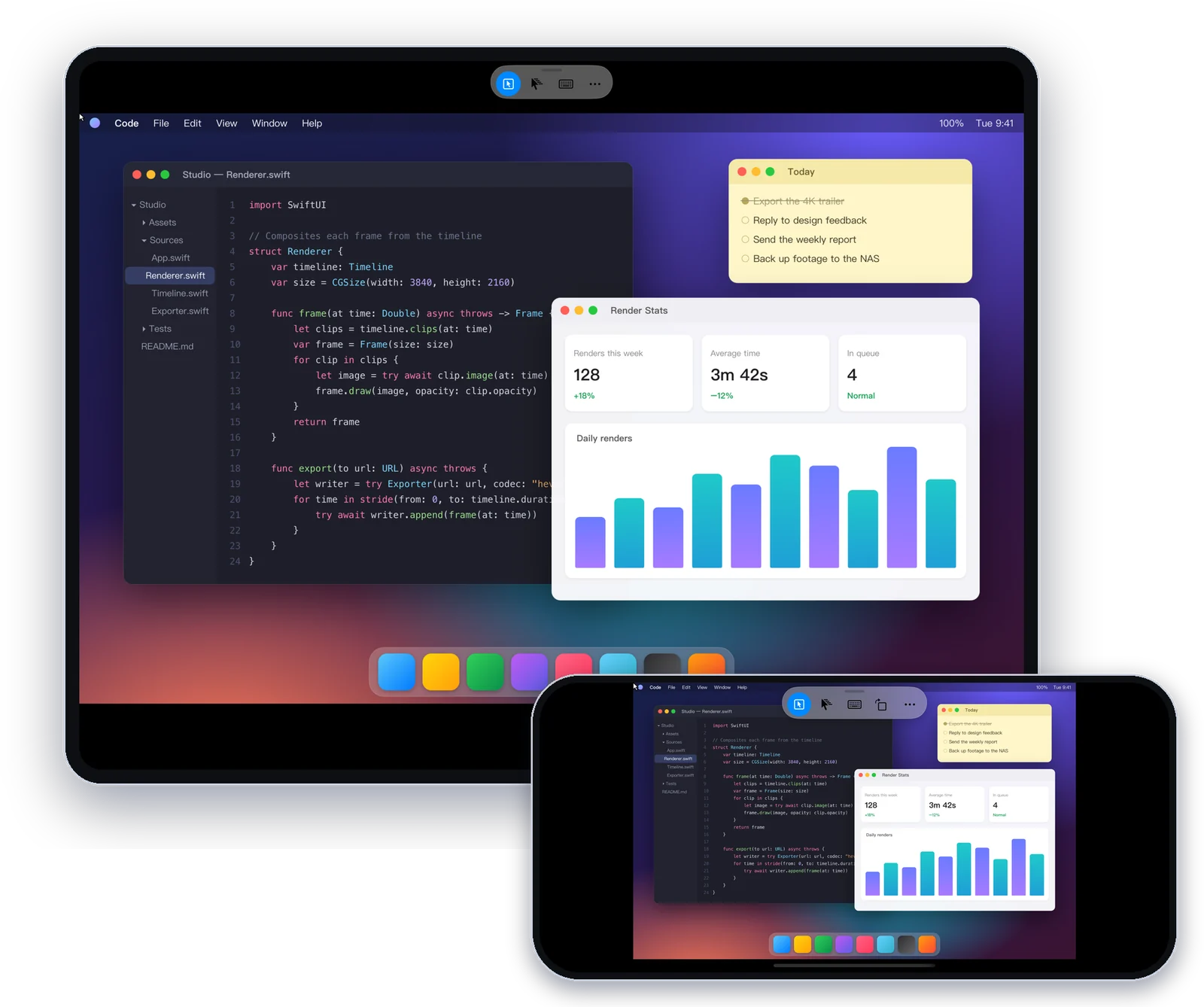
Made for the Mac, like sitting in front of it
Generic VNC clients treat a Mac like any other server. Mini Screen speaks the Mac’s own Screen Sharing.
- Sign in with your Mac accountNo separate VNC password to set up, and encrypted by default.
- Right-click and scrolling like on the MacTap with two fingers for the context menu; scroll smoothly with trackpad direction and speed.
- The pointer takes the Mac’s shapeThe text I-beam, the resize arrows — you always see what you can do.
- A clipboard that works with Mac appsText copied on the Mac comes to your phone, and your phone’s text pastes into the Mac with one tap.
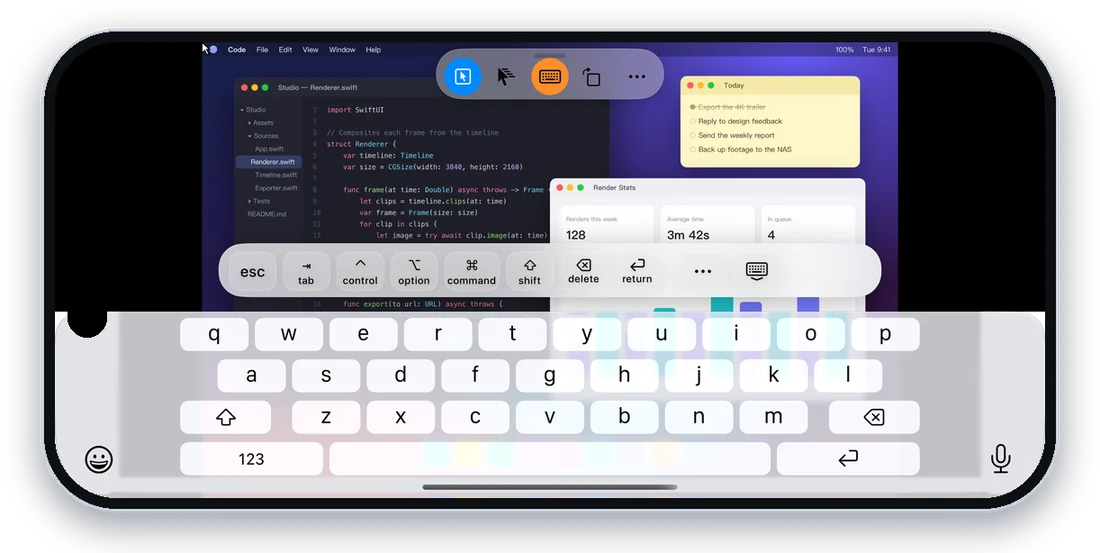
- Any language, Mac shortcutsType with the system keyboard; the key bar has esc, tab, ⌘, ⌥, ⌃ and ⇧.
Every Mac, one tap away
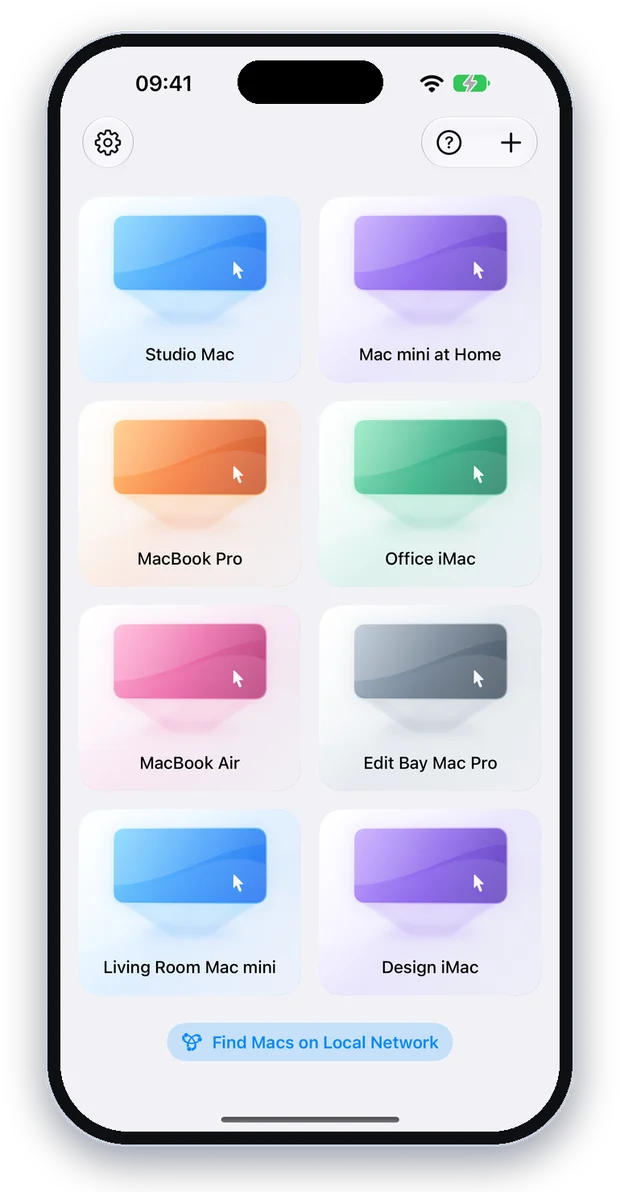
Macs with Screen Sharing on your network show up automatically — tap to connect. Give each Mac its own color to tell them apart.
- Trackpad-style controlMove with one finger, tap to click, two-finger scroll, pinch to zoom — or switch to direct touch.
- Great on iPadWorks with the iPad trackpad and mouse: hover, right-click and scroll wheel.
Connect securely from anywherePRO
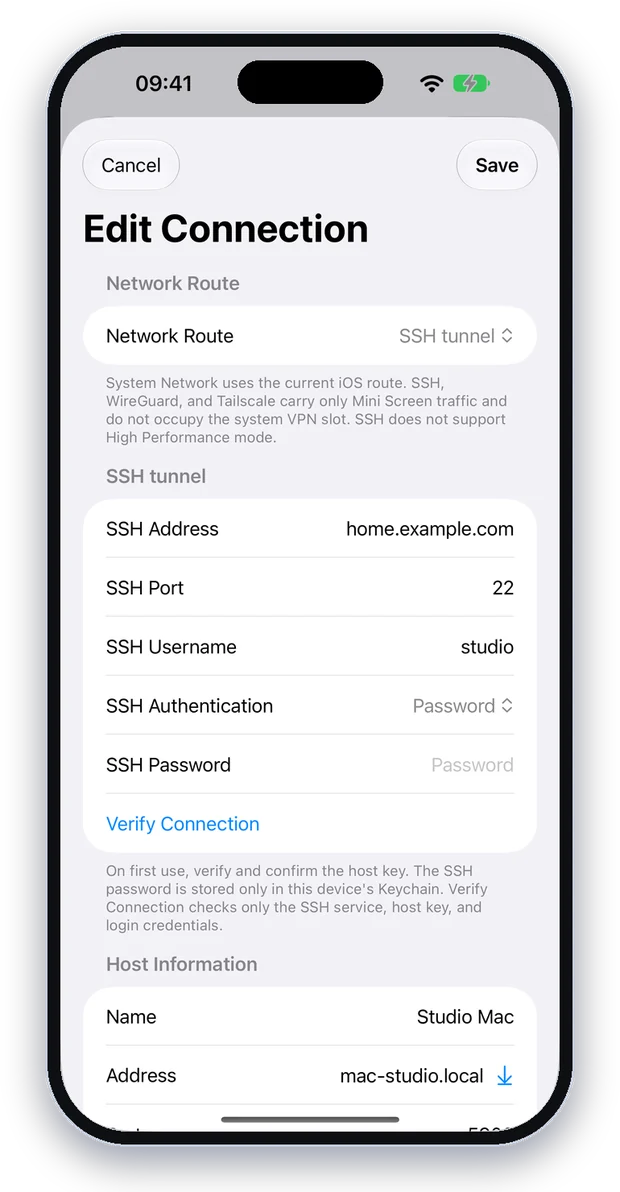
Built-in SSH, WireGuard and Tailscale. Only Mini Screen’s connection goes through them — your system VPN stays free and there’s no VPN app to install.
- SSH tunnelTurn on Remote Login on the Mac. Password or Ed25519 key.
- WireGuardImport a configuration file or scan its QR code.
- TailscaleSign in with your own Tailscale account and pick the Mac from your devices.
- Mac High Performance ModeThe same high-performance mode as the Mac’s own Screen Sharing app: smoother video, with your Mac’s sound.
Set up your Mac in three steps
Nothing to install, and nothing else on the Mac is changed. The same guide is in the app.
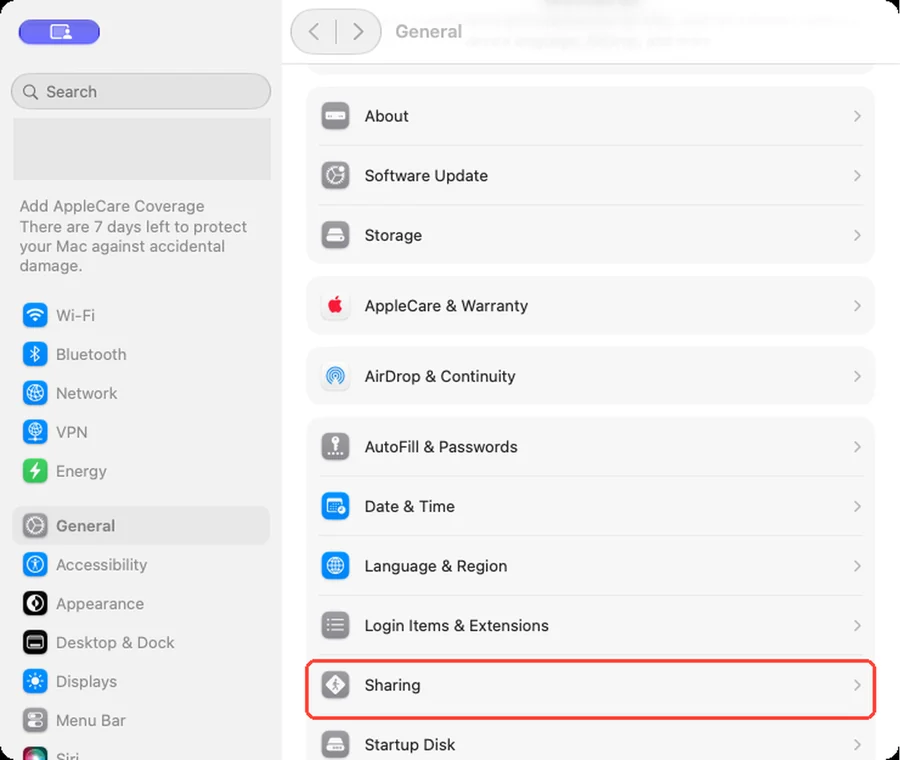
Open Sharing
On the Mac, open System Settings → General → Sharing.
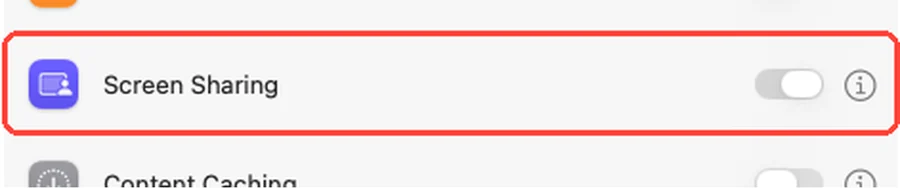
Turn on Screen Sharing
Switch on Screen Sharing.
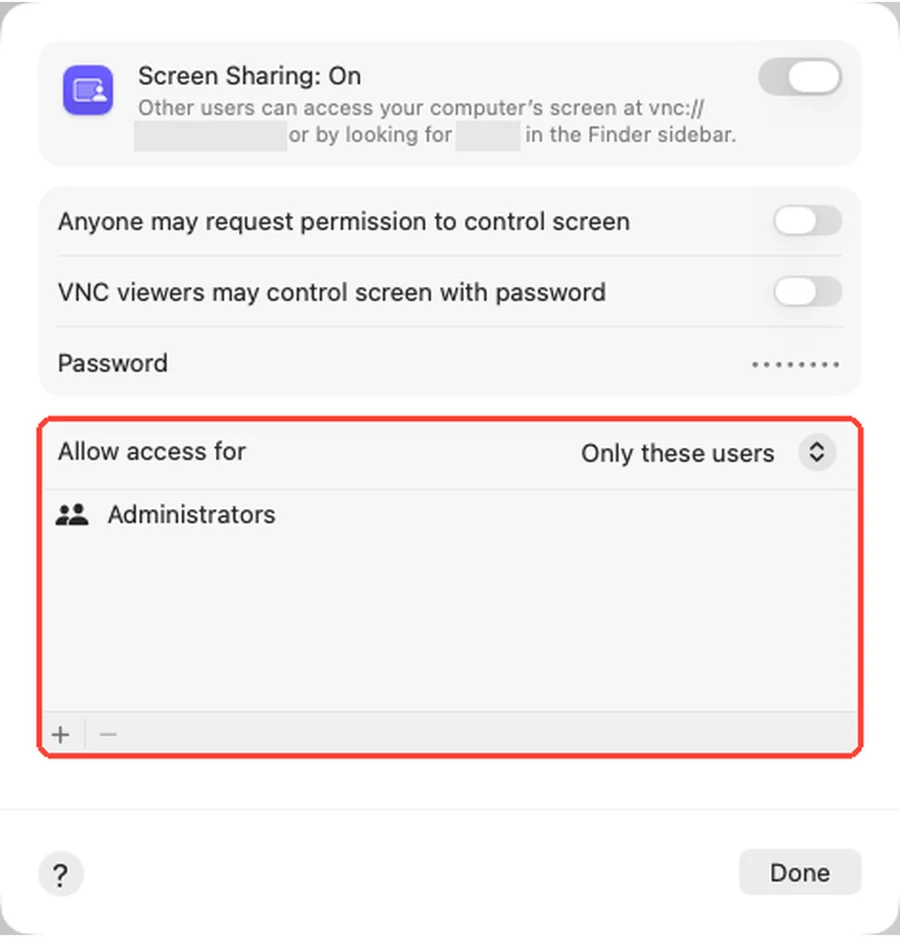
Choose who can connect
Click ⓘ, choose the accounts under “Allow access for”, then connect from your iPhone.
Free to use, Pro is yours for good
The free version fully controls one Mac. Mini Screen Pro is a one-time In-App Purchase, not a subscription.
| Free | Pro | |
|---|---|---|
| Remote control, keyboard, clipboard sync | ✓ | ✓ |
| Mac account sign-in, encrypted by default | ✓ | ✓ |
| Finds Macs on your network | ✓ | ✓ |
| Saved Macs | 1 | Unlimited |
| Mac High Performance Mode (with sound) | — | ✓ |
| Built-in SSH, WireGuard, Tailscale | — | ✓ |
| Pro features added later | — | ✓ |
No account
Nothing to sign up for. Just open it.
No server
The picture and your input travel directly between your device and your Mac.
No analytics
Passwords stay in your device’s Keychain. See the Privacy Policy.